Adobe and Figma Are Building the Same App. It Matters Less Than You Think.
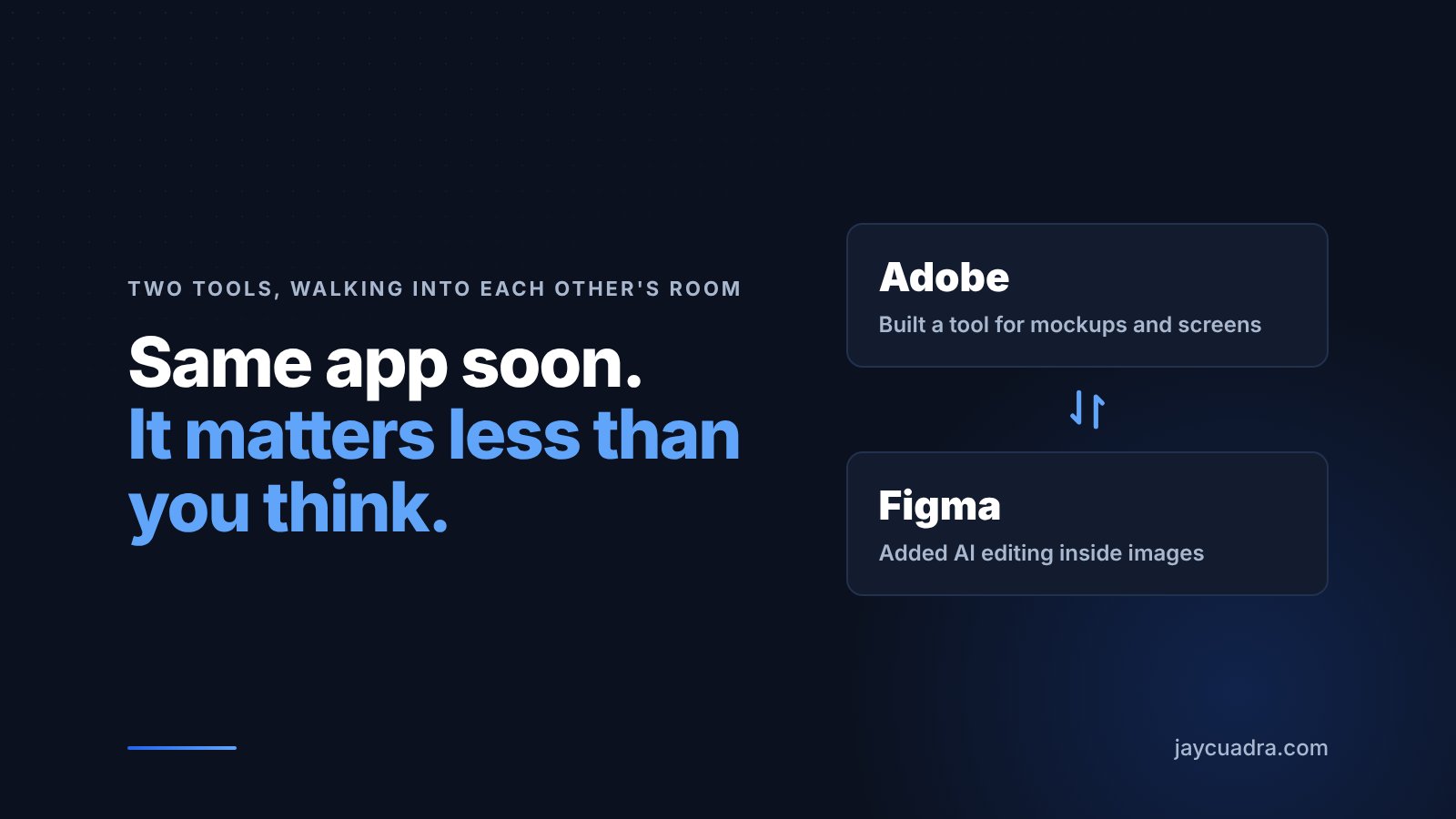
Adobe and Figma are building the same app. And I think it matters a lot less than it sounds.
At MAX this month, Adobe announced Firefly Builder, a prototyping tool for putting together mockups and screens. It also showed an integration that lets Claude or ChatGPT drive Photoshop and Illustrator directly. Around the same time, Figma shipped AI object selection inside images.
Adobe is walking into Figma's room. Figma is walking into Adobe's. A founder on LinkedIn asked recently whether we're all heading toward one design super app. I think the answer is yes.
I also think it's the wrong thing to worry about.
Every tool wants to be the only tool
This isn't new. Every design tool I've used eventually tried to do the job of the one next to it. Prototyping tools added design features. Design tools added prototyping. Handoff tools got absorbed. Whiteboards moved into the same app as the screens.
Part of me is glad. I keep all my design work in Figma on purpose, and I've felt the tool fatigue that comes from teams scattering work across five apps: research in one place, flows in another, specs in a third, and nobody sure which version is current. Fewer tools usually means fewer places for the truth to get lost.
But consolidation on the vendor side doesn't fix the real problem on our side. Teams still treat the tool as the system.
What survived the last migration
I've moved a design system from one tool to another. Going in, I expected the files to be the hard part. They weren't.
What actually carried over, and what actually mattered, was everything that didn't belong to the tool:
- The token names. If a color is called
action-primaryinstead ofblue-500, it means the same thing in any tool, and in code. - The component API. Which props a button has, which variants exist, what they're called. If design and code already agree on that, the new tool just has to draw it.
- The documented states. Empty, loading, error, disabled. The edge cases you only learn about once real data shows up.
- The flows we'd tested with real users. The research doesn't care what app the mockup lived in.
The canvas was the cheapest part to replace. We redrew it. Everything else we had to keep, because it was the part that took years to get right.
AI makes the tool even more replaceable
This is where it gets interesting. Adobe letting Claude or ChatGPT drive Photoshop is a bigger deal than it looks. It means the AI is starting to sit above the tools, not inside one of them.
I'm excited about that. If an agent can work in whatever app you have open, the question stops being "which tool won?" and becomes "what does the agent read before it starts?"
And what it reads is your system. Your token names. Your component descriptions. Your documented rules about when a pattern is allowed to break. If those are clear, the agent produces work that looks like your product, in any tool. If they're vague, or they only exist as tribal knowledge in a few designers' heads, the agent guesses. It doesn't matter how good the canvas is.
So the more interchangeable the tools get, the more your system is the thing doing the work.
The switch test
When a "Figma vs. Adobe vs. Claude" debate starts on a team, I ask a different question:
If we switched tools tomorrow, what would we lose?
- If the answer is "the files," your system lives in a tool. Every migration will feel like starting over.
- If the answer is "not much," your system lives in your team: in shared names, documented decisions and tested flows. Switching is a weekend of redrawing, not a year of rebuilding.
Here's a quick way to check which one you have:
- Can a developer and a designer name the same component the same way without looking it up?
- Are your token names about meaning (
surface-raised) or about values (gray-100)? - Are your component states written down somewhere besides the file?
- Do your key flows have research behind them, stored somewhere a new tool can't lose?
- Could someone new, person or agent, understand your rules without asking the one designer who made them?
Every "no" is something that currently lives in a tool. Those are the things worth moving out of it, whether or not you ever switch.
Pick your tool. Invest in your system.
Use whatever canvas your team likes. I'll probably be in Figma for a long time. But the tool is going to keep changing, merging and adding features from its neighbors. That's fine.
The system underneath it is yours. It's the part that should outlive any single app.
So, if your team switched tools tomorrow, what would you lose?
Written by Jay Cuadra